
Last updated November 2, 2026
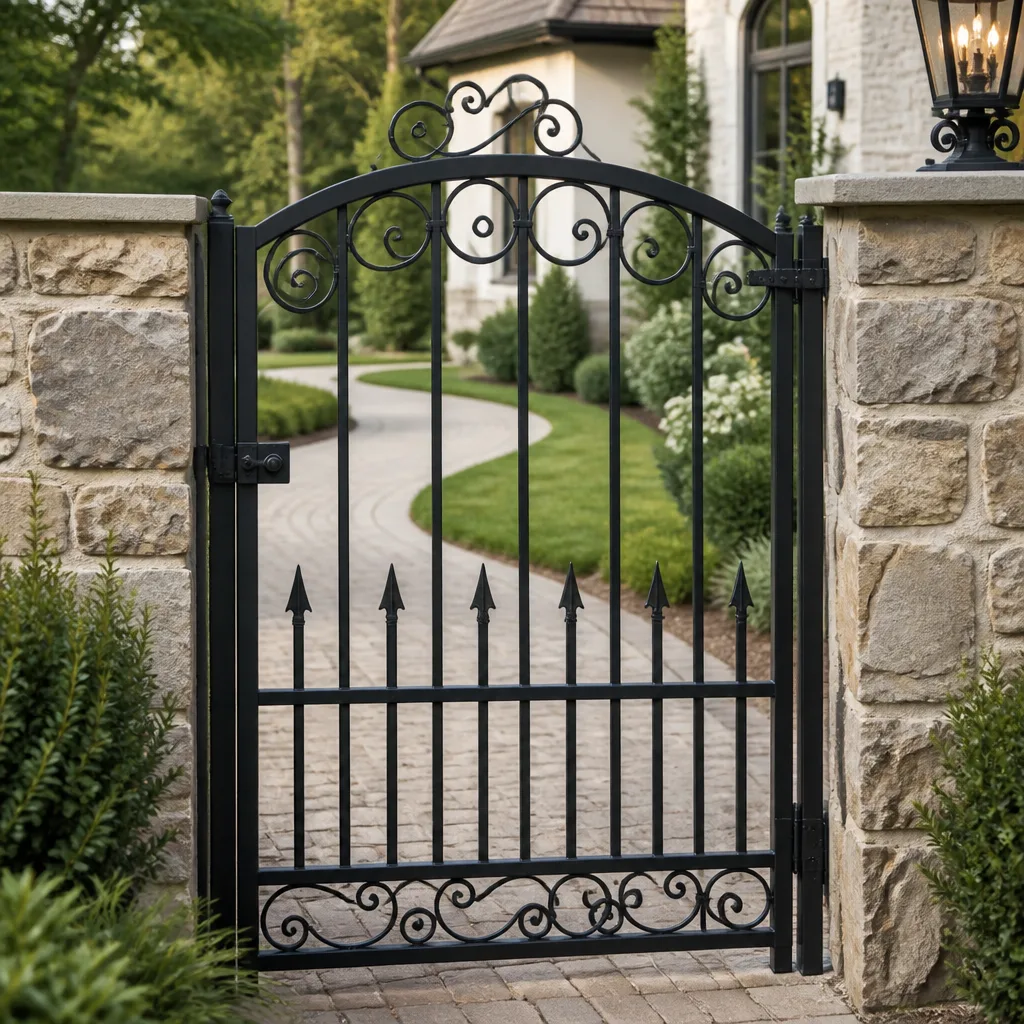 Wrought iron
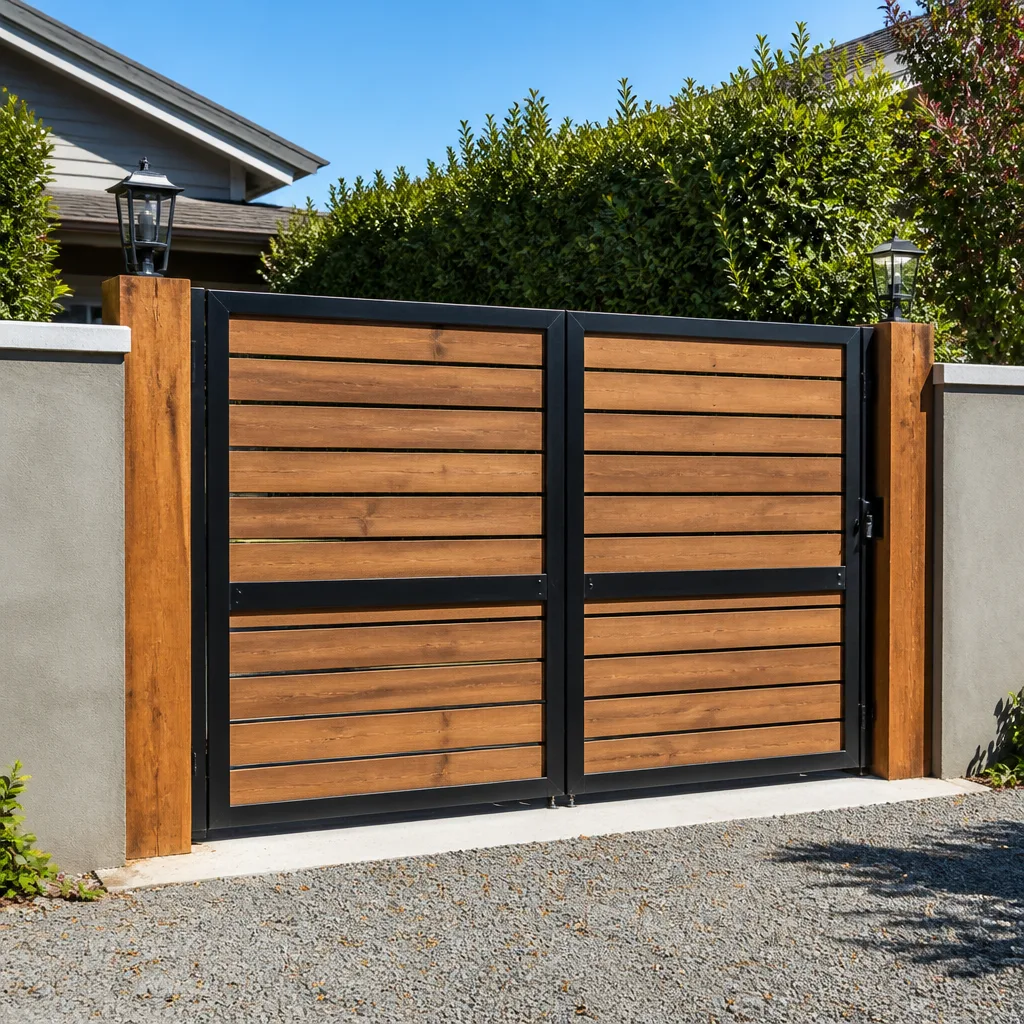 Wood & steel frame
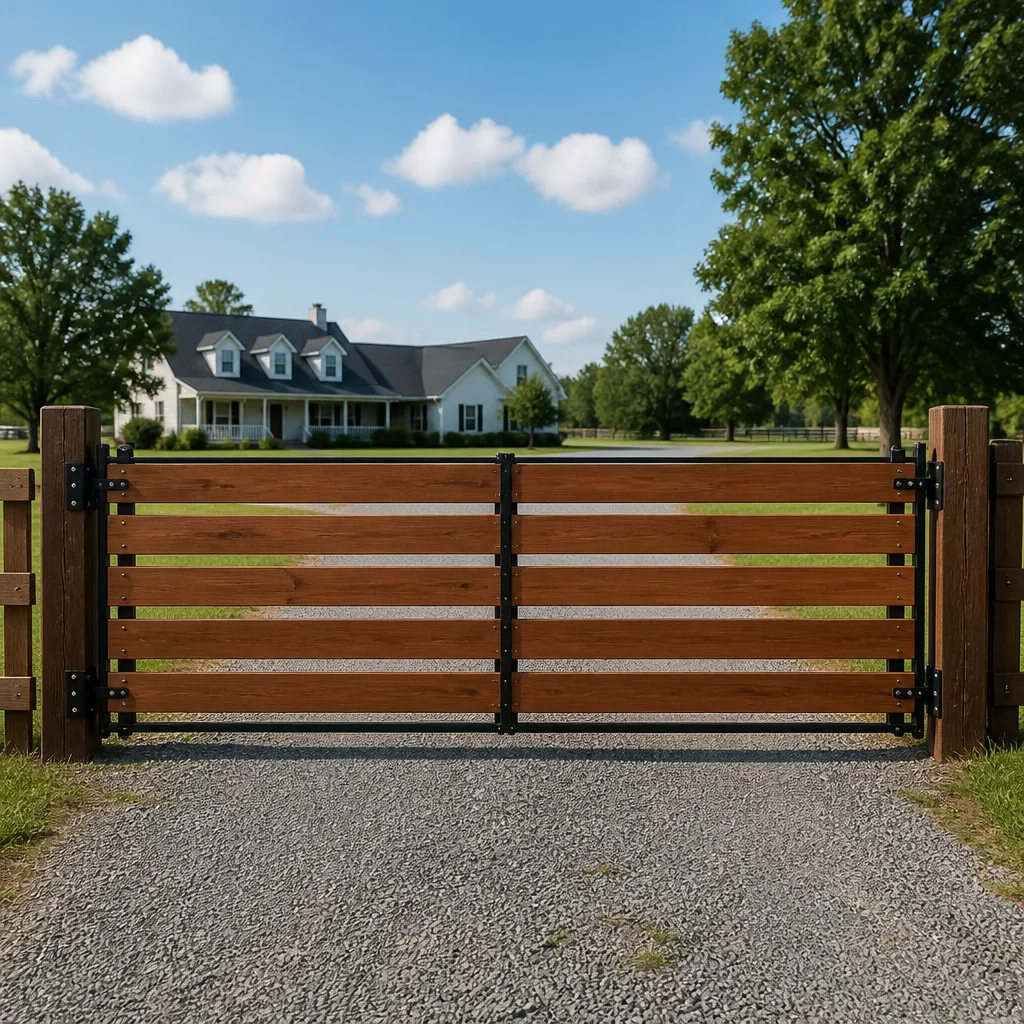 Farm & ranch
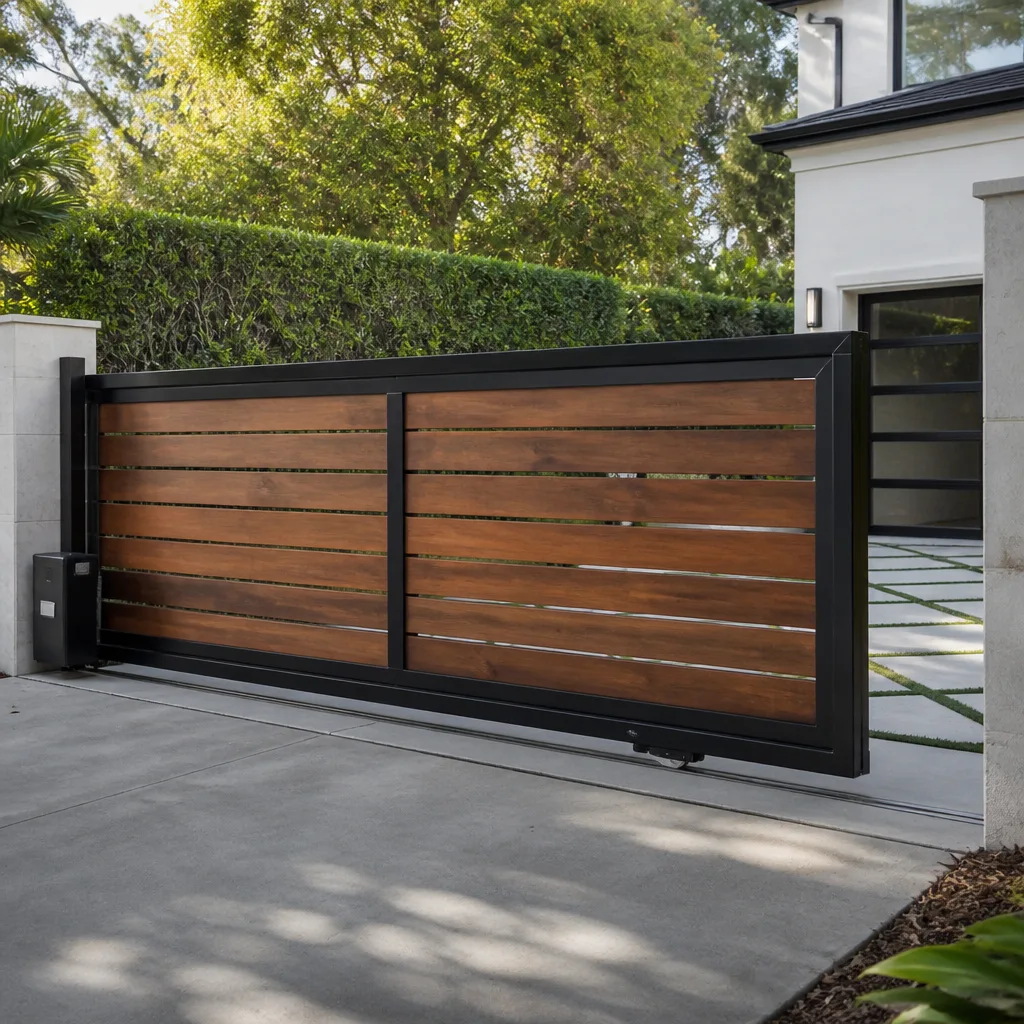 Sliding driveway gates
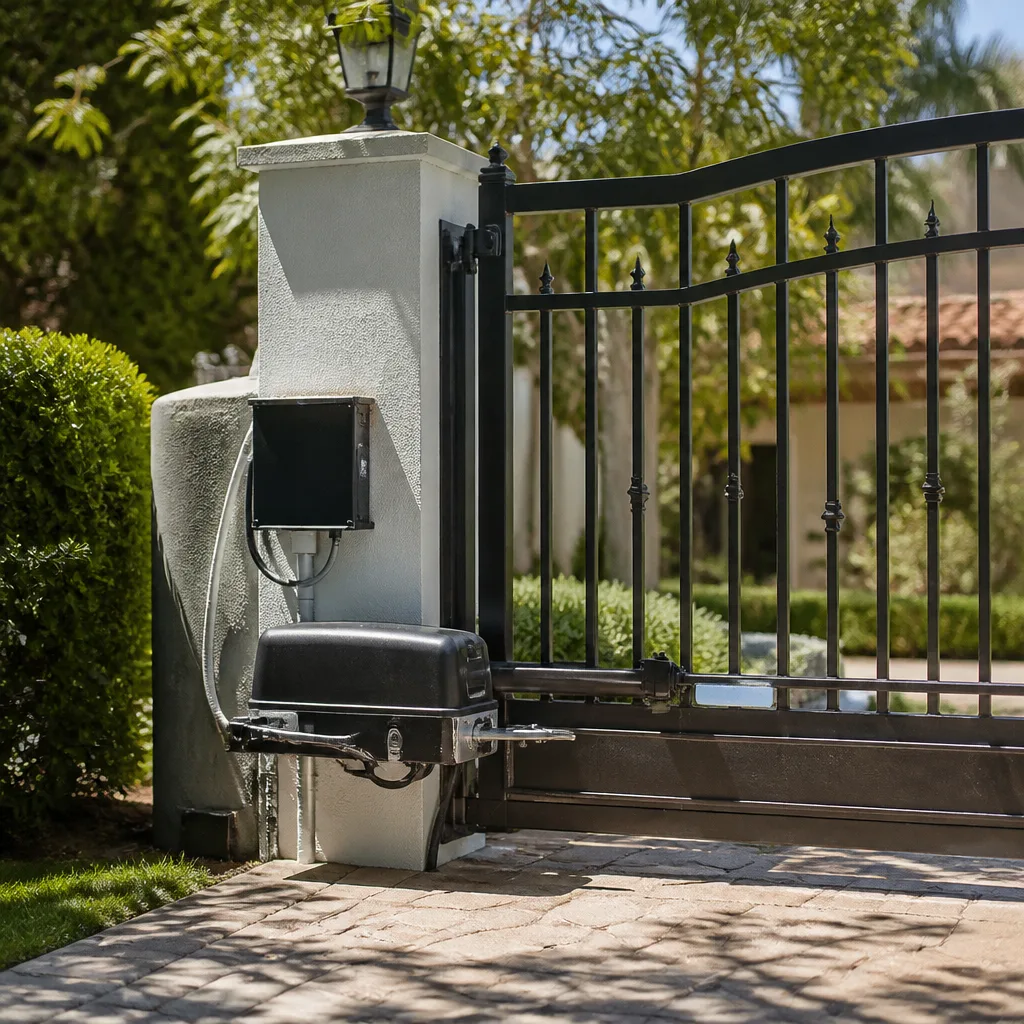 LiftMaster operators
Free on-site gate assessment - hinges, posts, and your LiftMaster or Nice gate operator checked before anything is quoted
The assessment is free and the quote is the invoice.
Get your free estimateGate Repair Troubleshooting: Common Problems and How to Fix Them
Resetting your gate operator when it won’t open is the gate-repair equivalent of rebooting your car when the tire is flat. It feels productive but tells you nothing about what’s actually wrong. Most troubleshooting guides make the same error in written form: they treat every gate as if it’s the same machine. A Ghost Controls swing arm shares almost nothing with a Viking commercial slide operator, yet generic advice lumps them together. This guide separates diagnosis by gate type, symptom, and operator brand so you’re not resetting a LiftMaster logic board when the real issue is a misaligned safety loop. Accurate diagnosis cuts both repair time and cost in half. Here in Upland, where summer heat and the occasional Santa Ana wind put real strain on outdoor hardware, our Gate Repair services see the same failure patterns repeat across hundreds of gates every year. What follows is what we’ve learned.
Styles & brands we work with
- Wrought iron
- Wood & steel frame
- Farm & ranch
- Sliding driveway gates
- LiftMaster operators
Quick Answer
The most common gate problems are a failed safety loop detector, a drained or dead battery backup, a misaligned photo eye, a tripped breaker or GFCI, or a control board that has lost its limit settings. Start by checking power, then observe the operator’s indicator lights before touching anything else. Most issues that are not electrical supply problems require a trained technician, but the diagnostic steps below will tell you which category your problem falls into and what a fair repair should involve.
Table of Contents
- Symptom-First Decision Tree: What the Gate Is Telling You
- The Safety Loop: The Most Misdiagnosed Component in Gate Repair
- Blinking LEDs and Fault Codes: What Your Operator Is Trying to Say
- Three DIY Checks Worth Doing, and Two That Make Things Worse
- Diagnosis by Gate Type: Swing, Slide, and Barrier Gates
- How to Document Symptoms So a Specialist Can Quote Accurately
- Common Mistakes to Avoid
- When to Call a Professional
- Frequently Asked Questions
- The Bottom Line
Symptom-First Decision Tree: What the Gate Is Telling You
Every gate failure falls into one of four symptom buckets. Each bucket points to a different set of causes, and crossing buckets is how misdiagnosis happens. If you only take one thing from this guide, take this: identify the exact symptom before you touch anything.
Gate Won’t Open at All
Most likely causes, in order of probability:
- No power to the operator. Tripped breaker, tripped GFCI on an outdoor outlet, or a disconnected power cord. In Upland’s older foothill neighborhoods, we regularly find outdoor outlets that were never GFCI-protected and have corroded to the point of failure.
- Dead battery backup. Many residential operators, including Mighty Mule and Ghost Controls units, run on 12V DC with a battery that charges from a transformer. When the battery dies, the gate does nothing even though the transformer is fine.
- Control board failure. Lightning strikes and power surges are more common than homeowners expect. A nearby strike can take out the board even if the breaker didn’t trip.
- Remote or keypad signal failure. The operator has power but isn’t receiving the open command. This is where brand-specific programming matters.
Before calling anyone, check the breaker and any GFCI outlet on the circuit. That single check resolves more “dead gate” calls than any other. If power is present but nothing moves, you’re likely looking at a battery, board, or receiver issue.
Gate Opens but Won’t Close
This is the symptom most likely to be a safety device doing its job rather than a mechanical failure.
- Photo eye misalignment or obstruction. The beam between the two photo eyes is broken or not aligned. Even a spider web across the lens can trigger this on some models.
- Safety loop fault. If the loop detector under the driveway is malfunctioning, it may be sending a constant “vehicle present” signal, telling the gate not to close.
- Limit switch failure. The operator doesn’t know it reached the closed position, so it reverses thinking an obstruction exists.
- Force settings too sensitive. Cold weather or stiff hinges increase resistance. If the operator’s force threshold is set low, it reverses mid-cycle.
Gate Moves Slowly or Jerks
Slow movement is almost never an electronic problem. It’s mechanical friction or an aging motor.
- Dry or worn hinges and rollers. Swing gates ride on hinge pins that need periodic lubrication. Slide gates ride on track wheels that wear flat over years of use.
- Low battery voltage. On DC operators, a battery that’s holding partial charge will move the gate slowly. This is common on gates older than three years in Upland’s heat, which accelerates lead-acid battery degradation.
- Motor capacitor failure. AC motors use a start capacitor. When it weakens, the motor strains and moves slowly before eventually stalling completely.
- Debris in the track. Slide gates collect gravel, leaves, and mud. In Upland’s windier months, we see tracks fill with eucalyptus bark and small stones within a week.
Gate Reverses Mid-Cycle
This is the most misunderstood symptom because it looks like a control board problem but is usually physical.
- True obstruction. Something is in the gate’s path, or the gate itself is dragging on the ground. A settling fence post can cause a swing gate to scrape the driveway, increasing resistance until the operator’s safety reverse kicks in.
- Safety loop misfire. A failing loop detector can send random pulses that the control board interprets as a vehicle entering the loop area mid-cycle.
- Force sensitivity calibration. After any hinge, roller, or motor work, the force settings need recalibration. We see gates that were repaired by generalists who replaced a part but never redid the force calibration, leaving the gate to reverse constantly afterward.
Understanding which symptom you’re dealing with puts you ahead of most homeowners who call us. It also means the phone call to a repair company is a conversation, not a mystery.
For readers in the Upland area who want a professional diagnosis, our Gate Repair in Upland page covers what a service visit includes and what to expect.
The Safety Loop: The Most Misdiagnosed Component in Gate Repair
If there’s one component responsible for more “mysterious” gate failures than any other, it’s the safety loop, also called the ground loop detector or vehicle detection loop. Most homeowners have never heard of it, and most generic troubleshooting guides skip it entirely.
Here’s what it does. A loop of wire is buried under the driveway near the gate. The loop detector sends a small current through that wire, creating a magnetic field. When a metal object, like a car, passes over the loop, the field changes and the detector tells the control board that a vehicle is present. The control board uses this information to hold the gate open, prevent it from closing on the car, and in some systems, to trigger the open command automatically.
When the loop fails, the gate behaves irrationally. Because the loop is invisible, buried, and unknown to most homeowners, the resulting symptoms get blamed on the control board, the remote, or the operator itself. In our experience across Upland, we’ve been called to replace control boards that were perfectly fine while the real culprit was a failed loop detector or a broken loop wire from driveway settling.
Symptoms of a Failing Safety Loop
- Gate opens normally but refuses to close unless you hold the close button or use the manual release.
- Gate closes but immediately reopens for no visible reason.
- Gate randomly opens or closes when no one is near it.
- Gate stays open after a vehicle passes through and won’t close on its own timer.
- Gate worked fine after a rainstorm and then began misbehaving as the ground dried, or vice versa.
How to Test a Safety Loop in Under Five Minutes
- Locate the detector. The loop detector is a small module, usually the size of a deck of cards, mounted on the operator control board or in a separate enclosure near it. It will have two sealed lead wires going into a terminal block labeled LOOP.
- Watch the detector’s LED. Most detectors have a small red or green LED. In a normal state, the LED should be off or steady. If it’s blinking or rapidly flashing, the loop circuit is open, shorted, or detecting a constant presence.
- Disconnect the loop wires. With power to the operator turned off, note which terminals the loop wires connect to, then remove them. Restore power. If the gate now behaves normally except it won’t hold open for vehicles, the loop is the problem.
- Reconnect and compare. If the detector LED was flashing and the gate’s erratic behavior stops when the loop is disconnected, the loop wire in the driveway has failed or the detector itself is bad. If the gate’s behavior doesn’t change at all when the loop is disconnected, the detector might be dead and sending no signal at all, which is also a failure.
This test requires working inside the operator enclosure. If you’re not comfortable with electrical components, don’t open the box. Have a technician do this. But knowing that the safety loop exists and that it produces these symptoms means you can describe the problem accurately and push back if a company wants to sell you a control board without checking the loop first. A functioning loop saves lives and property. It’s not optional. But a failed loop doesn’t mean you need a new circuit board.
Blinking LEDs and Fault Codes: What Your Operator Is Trying to Say
Modern gate operators are not silent machines. They communicate through indicator lights, and every major brand has its own visual language. Reading those lights correctly is the difference between a five-minute diagnosis and an hour of guesswork. We work on nine brands specifically because we’ve learned their fault logic. Here’s what three of the most common residential and light-commercial brands are telling you.
Linear Operators
Linear’s residential swing and slide operators use a diagnostic LED on the control board that blinks in specific patterns. A single repeating blink typically indicates a force reversal, meaning the gate hit something or the force threshold was exceeded. Two two blinks in sequence usually indicate a photo eye fault, meaning the beam is obstructed or the eyes are misaligned. Three blinks generally signal a limit switch error. Linear’s boards are straightforward, but a power surge can scramble the LED into patterns that don’t match the manual, which is when brand familiarity matters most. We’ve walked Upland customers through power cycling a Linear APeX board over the phone, resolving what looked like a major fault when the issue was simply a surge-induced logic lock.
Viking Operators
Viking commercial slide and swing operators, common on HOA entrances and small parking lots in Upland, use a more complex diagnostic system. The control board includes an LCD display on many models that reads out fault codes directly: “PHOTO” for photo eye fault, “LOOP” for loop detector fault, “MAG” for magnetic lock issues, and “OVERLOAD” for motor current exceeding safe limits. Viking’s commercial boards are designed for property managers who need to document failures, which means the display gives you actionable information. The catch is that Viking boards are sensitive to low voltage. If the incoming power is sagging, Viking operators will throw spurious faults. Testing line voltage is the first step before trusting any error code this board displays.
DoorKing Operators
DoorKing is one of the most widely installed brands in Southern California, including many Upland residential communities. Their operators use a combination of LED indicators on the circuit board. The “LOOP” LED illuminates when the loop detector senses a vehicle. The “CLOSE” LED lights when the close circuit is active. The “OPEN” LED lights for the open circuit. A constantly illuminated LOOP LED when no vehicle is present means a failed loop or detector. DoorKing’s diagnostic manual is thorough, and their boards are known for durability. In our experience, DoorKing gate failures are more often mechanical, meaning limit switches and gearboxes, than electronic. When a DoorKing gate won’t open, and the OPEN LED doesn’t light when the remote is pressed, the receiver is the issue, not the board.
Ghost Controls Operators
Ghost Controls makes battery-powered swing gate operators popular for residential driveway gates. Their systems use an audible beep sequence in addition to a status LED. One beep with a red LED indicates a low battery. Two beeps indicate a remote control signal issue. Three beeps indicate an obstruction or stall. Ghost Controls operators are designed for DIY installation, which means many Upland homeowners have installed them without a safety loop. That’s a significant safety gap because these operators rely on obstruction sensing rather than vehicle detection. If a Ghost Controls gate reverses for no visible reason, the force adjustment is usually set too sensitive for the gate’s weight, especially after hinge wear sets in.
The point here isn’t that you should memorize every fault code. It’s that your operator has a diagnostic system, and a competent technician knows how to read it. When you call for service, mention what the LED was doing. It saves the first trip from being a discovery mission.
Three DIY Checks Worth Doing, and Two That Make Things Worse
Some gate maintenance is safe and useful for a homeowner to perform. Other “fixes” that circulate online and in neighborhood forums actively increase your repair bill. Here’s the honest split.
DIY Checks That Are Safe and Useful
- Inspect and clean the photo eyes. Wipe the lenses with a dry cloth. Check for spider webs inside the lens housing. Ensure both eyes are pointed directly at each other. A misaligned photo eye is the single most common completely free fix in gate repair, and it takes two minutes.
- Check the power source. Reset the breaker if tripped. Reset the GFCI if present. Confirm the operator’s transformer is plugged in securely. In Upland’s older homes, we regularly find the gate operator plugged into an outlet shared with other outdoor loads that have tripped the breaker.
- Lubricate hinges and rollers. Use a spray lubricant designed for outdoor metal, like a lithium or silicone spray. Apply to swing gate hinge pins and slide gate track wheels. Do this every six months. In Upland’s dry climate, metal-on-metal friction builds faster than in coastal areas, and this single habit extends gate hardware life considerably.
DIY Actions That Make Things Worse
- Opening the operator enclosure and adjusting limit or force settings without understanding the brand. Every manufacturer wires their limit and force systems differently. Adjusting a DoorKing’s mechanical limits when it uses electronic limits on the board can strip the limit gear. Adjusting force settings too high on any system can crush a person or vehicle. Force settings are a safety system, not a performance dial.
- Power cycling the operator repeatedly to “clear” a fault. Cycling power without identifying the fault will sometimes clear a transient error, but it also wipes the diagnostic LED history on some brands, meaning the technician who arrives later has less information to work with. One power cycle is fine as a test. Repeated cycling is destructive diagnosis.
If you’ve done the safe checks and the gate still isn’t working, the problem is electrical or mechanical beyond what a homeowner should attempt. Gate operators contain high-voltage wiring, heavy moving parts, and safety systems that protect children, pets, and vehicles. Working inside the enclosure without training risks injury and can create a gate that works but is no longer safe. That’s a worse outcome than a gate that doesn’t work at all.
Diagnosis by Gate Type: Swing, Slide, and Barrier Gates
Gate type determines failure patterns. A swing gate and a slide gate share almost nothing mechanical, and a barrier gate is a different machine entirely. Here’s how diagnosis changes.
Swing Gates
Swing gates pivot on hinges mounted to posts, driven by an arm or underground operator. The most common swing gate failures in Upland are hinge-related. Hinge pins wear, posts settle, and the gate begins to sag. A sagging gate drags on the driveway, increases resistance, and triggers force reversals. The operator is blamed, but the hinges are the problem. A gate that sags more than an inch from level needs hinge replacement or post reinforcement before any operator adjustment will hold. The second most common swing gate issue is the operator arm itself. Articulated arms wear at the joint. Piston-style arms leak hydraulic fluid. Underground operators, common on high-end Upland properties, fail when water intrudes into the vault and corrodes the motor or linkage.
Slide Gates
Slide gates roll on steel wheels along a track, driven by a chain or belt. Track condition determines everything. We see Upland slide gates grinding through accumulated gravel and eucalyptus debris daily. Worn track wheels create a “washboard” effect where the gate vibrates and shudders. Failed chain tensioners allow the chain to sag and skip on the drive sprocket. Cantilever slide gates, which use rollers in a frame rather than ground track wheels, develop roller bearing failures that make the gate bind halfway through its travel. Slide gate problems are often gradual. The gate gets slower over weeks, the operator works harder, and eventually the motor or gearbox fails because it’s been fighting friction. Early track maintenance is the cheapest repair there is.
Barrier Gates
Barrier gates, the lifting arms common at parking lots and gated communities, are the most mechanically simple and the most electrically stressed. The arm raises and lowers on a spring-balanced mechanism. The spring counterbalance is the most common failure. When the spring breaks or loses tension, the motor labors to lift the arm and eventually burns out or trips its overload. Barrier gates in Upland’s commercial lots also suffer from photocell failures caused by exhaust soot and dust accumulation. A barrier arm that dips below horizontal when raised is a spring problem, not a motor problem. Replacing the motor without replacing the spring is a repair that will repeat.
Each gate type has its own failure profile, and the technician who treats them all the same is the technician who replaces parts until something works. At Falcon Gate Repair, gate-only focus means we don’t generalize. For electric issues on any of these systems, our Electric Gate Repair in Upland page explains how we approach motors, boards, and access hardware specifically.
How to Document Symptoms So a Specialist Can Diagnose Faster and Quote Accurately
When you call a gate repair company, the quality of what you share determines the accuracy of the first quote and whether the technician arrives with the right parts – our How to Hire a Gate Repair Contractor in Upland: A Step-by-Step Guide can help you prepare. Here’s what to document before you pick up the phone.
What to Observe and Record
- The exact symptom. Does the gate not open at all? Open but not close? Open slowly? Reverse? Write down exactly what happens, not your interpretation of what’s wrong.
- The sounds. Does the motor hum but nothing moves? Is there a grinding noise? A clicking relay sound? Each sound points to a different component. Humming with no movement is usually a dead capacitor or seized motor. Grinding is usually gearbox or track wear.
- The indicator lights. Look at the control board if you can safely see it without opening a live electrical enclosure. Note LED colors and blink patterns. If the operator has an LCD display, photograph it.
- What happened before the failure. Was there a power outage? A storm? Did anyone hit the gate with a vehicle? Did construction happen nearby? In Upland, we see gate failures cluster after strong winds because debris strikes photo eyes and loose wiring gets pulled.
- The brand and model. The operator brand is printed on the unit. The model number is on a sticker inside the enclosure. If you can’t access it, the brand alone helps. Brand familiarity means the technician knows before arriving which components that system typically fails on.
- Photos. Take photos of the gate in its current position, the operator enclosure exterior, the photo eyes, and the track or hinges. Send them when you request a quote.
This documentation turns a vague call, “my gate’s not working,” into a diagnostic head start: “Ghost Controls swing gate, opens but reverses immediately, three beeps on the board, no visible obstruction, hinges were last serviced two years ago.” The quote becomes more accurate, the first trip becomes more productive, and the gate gets back in service faster.
Common Mistakes to Avoid
- Replacing the battery before checking the transformer. If the charging transformer has failed, a new battery will drain within weeks and you’ll think the new battery was defective. Check input power to the transformer before spending money on a battery.
- Ignoring photo eye misalignment and jumping straight to board replacement. A misaligned photo eye causes more close-cycle failures than any control board problem. Two minutes of lens cleaning and re-aiming costs nothing. A new board costs hundreds.
- Using the wrong lubricant. WD-40 is not a long-term hinge lubricant. It displaces moisture briefly but evaporates and leaves metal unprotected. Use a lithium or silicone spray designed for outdoor metal. In Upland’s dry heat, the wrong lubricant means re-lubricating monthly instead of every six months.
- Adjusting force settings to “fix” a dragging gate. Increasing force sensitivity to overcome a sagging gate or dirty track masks the mechanical problem and creates a safety hazard. The force setting exists to stop the gate when a person or vehicle is in the path. Crank it up, and you’ve disabled a safety system.
- Hiring a garage door company for gate work. This is the most expensive mistake we see in Upland. Gates and garage doors share a motor concept but nothing else. The safety systems, access controls, loop detectors, and operator brands are completely different. A technician who does mostly garage doors will learn on your gate, at your hourly rate.
- Repeatedly power cycling to clear a recurring fault. If the same fault returns after each reset, you’re not clearing a glitch. You’re ignoring a pattern. Each power cycle erases diagnostic history that a technician could have read, making the eventual repair harder to diagnose.
When to Call a Professional
Call a professional when the problem is inside the operator enclosure, involves the safety loop, requires limit or force recalibration, or has persisted through the free DIY checks above. Gate operators contain live electrical components, heavy moving assemblies, and safety systems designed to protect people and property. A gate that works but doesn’t stop when it should is more dangerous than a gate that doesn’t move. If your gate is behaving erratically, leaving it in manual mode while you wait for service is the safe choice. Falcon Gate Repair offers free estimates in Upland. Call (833) 918-6938 and describe what you’ve observed. We’ll give you an honest assessment before any work begins, and the price is quoted and agreed before we touch the gate. If you’re weighing repair against replacement, our Gate Installation in Upland page explains the full lifecycle decision.
Frequently Asked Questions
A gate that opens but won’t close in Upland is almost always a photo eye problem, a safety loop fault, or a limit switch failure. Start by checking the photo eyes for alignment and obstruction. If those are clean and aligned, the loop detector may be signaling a constant vehicle presence, which tells the control board not to close. Call (833) 918-6938 for a direct diagnosis if the simple checks don’t resolve it.
Gate repair in Upland typically ranges from $150 for minor adjustments like photo eye realignment or hinge lubrication to $600-$1,200 for control board replacement or motor work on residential operators. Commercial barrier gate repairs run higher because the components are heavier and the operators are more expensive. The exact price depends on the brand and the failed component. Estimates are free, and we quote before any work starts.
We keep same-day response availability for Upland gate emergencies, especially for gates stuck open, which leave a property unsecured, or gates stuck closed, which trap vehicles. Call (833) 918-6938 early in the day and we can usually have a technician out the same afternoon.
We work on nine major gate operator brands including LiftMaster, FAAC, BFT, Linear, Viking, Ghost Controls, DoorKing, Elite, and Mighty Mule. If your brand isn’t listed, call us anyway, because the brand range covers most residential and commercial systems installed in Southern California. We repair by brand logic, not guesswork. Our full background is on the Falcon Gate Repair home page.
A full repair includes diagnosis of the failed component, replacement or repair of that component, recalibration of limit and force settings to manufacturer specifications, and testing of every safety system including photo eyes and loop detectors. We don’t just make the gate move. We make sure it stops when it should. The total price is quoted and agreed before any work begins.
No. In most cases, a failed control board can be replaced independently of the motor, gearbox, and arm. On some older systems, board availability becomes an issue, and replacement of the entire operator becomes more cost-effective. We’ll give you both options with honest pricing and let you decide. Call (833) 918-6938 to discuss what makes sense for your specific system.
The Bottom Line
Gate troubleshooting that works is brand-specific, symptom-specific, and safety-aware. The generic advice online sends you down blind alleys and into operator enclosures you have no business opening. The gate that won’t open, the gate that won’t close, the gate that moves slowly, the gate that reverses, each has its own failure tree, and the answers live in the operator’s indicator lights, the condition of the track or hinges, and the state of the safety loop. If you don’t know what your gate is telling you, write down what you observe and call someone who does, or explore our more guides & resources to learn more. That’s the fastest path from a stuck gate to a working one. Falcon Gate Repair is a gate-only specialist serving Upland, working on LiftMaster, FAAC, BFT, Linear, Viking, Ghost Controls, DoorKing, Elite, and Mighty Mule systems. From the motor to the control board, we diagnose by brand logic, not guesswork. Call (833) 918-6938 for a free estimate, and we’ll have your gate back in service.
Written by the team at Falcon Gate Repair, serving Upland since 2018.
See the difference
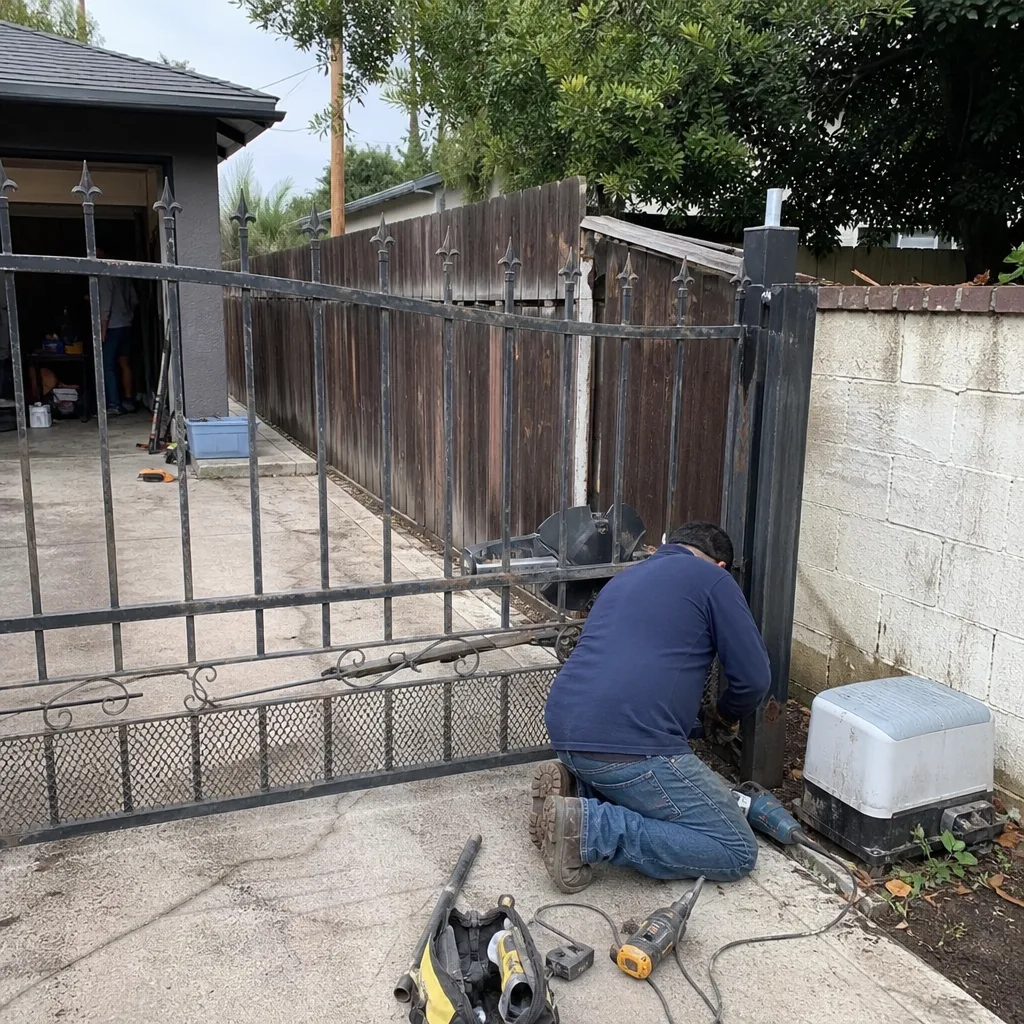 Before
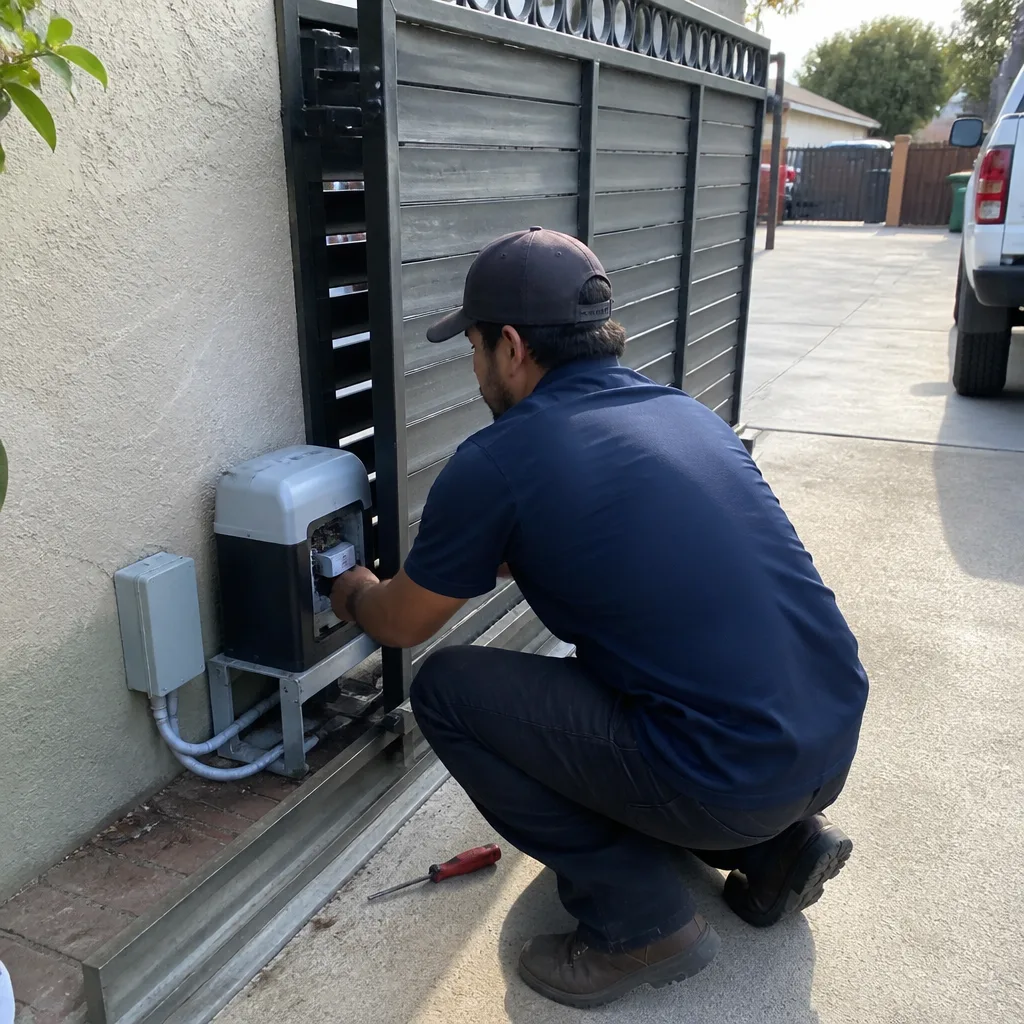 After
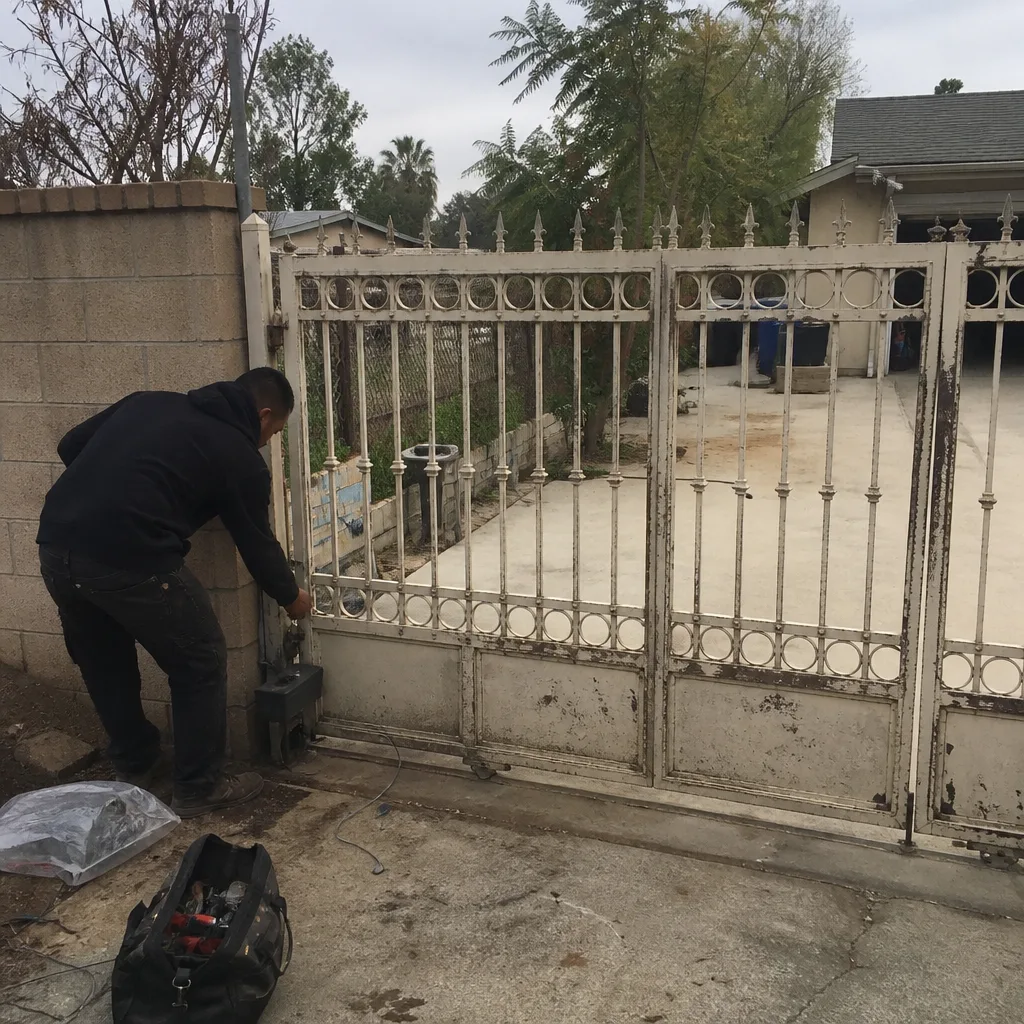 Before
 After
 Before
 After