
Last updated November 2, 2026
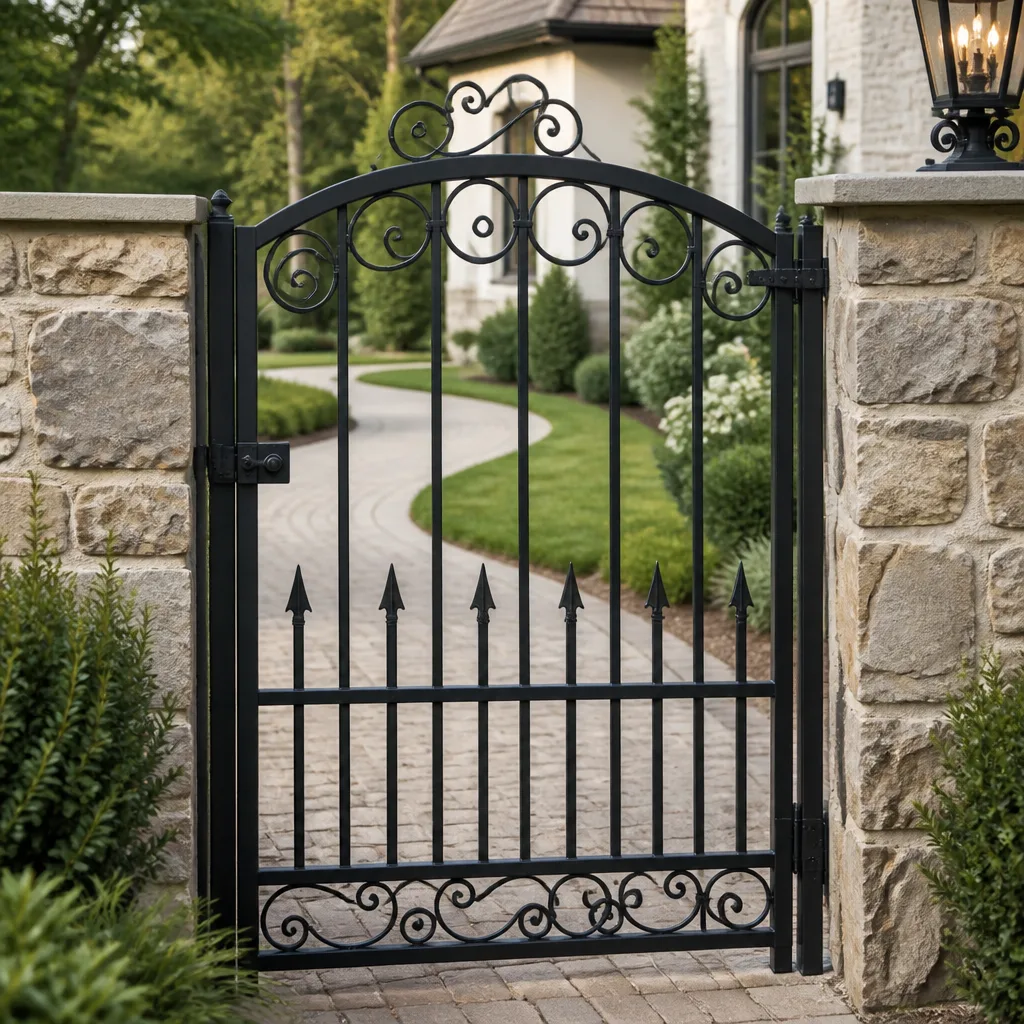 Wrought iron
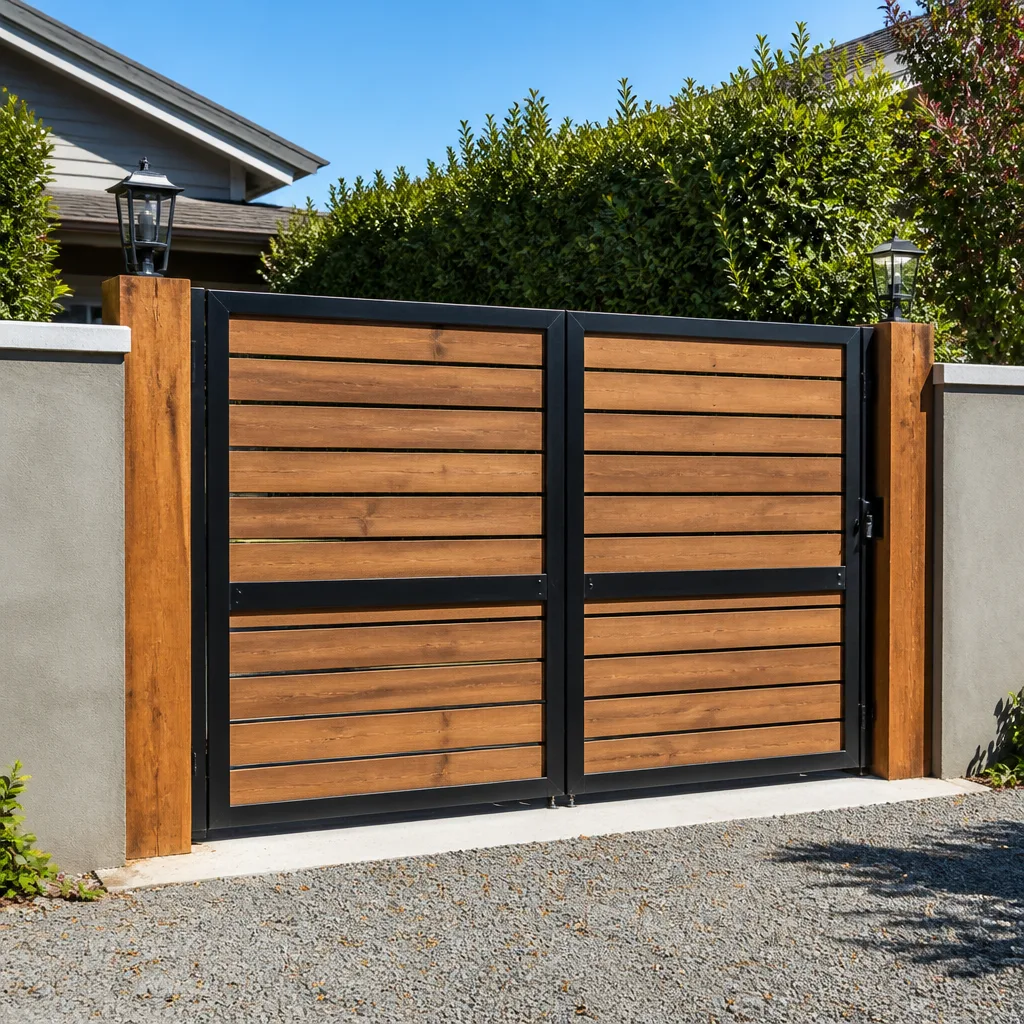 Wood & steel frame
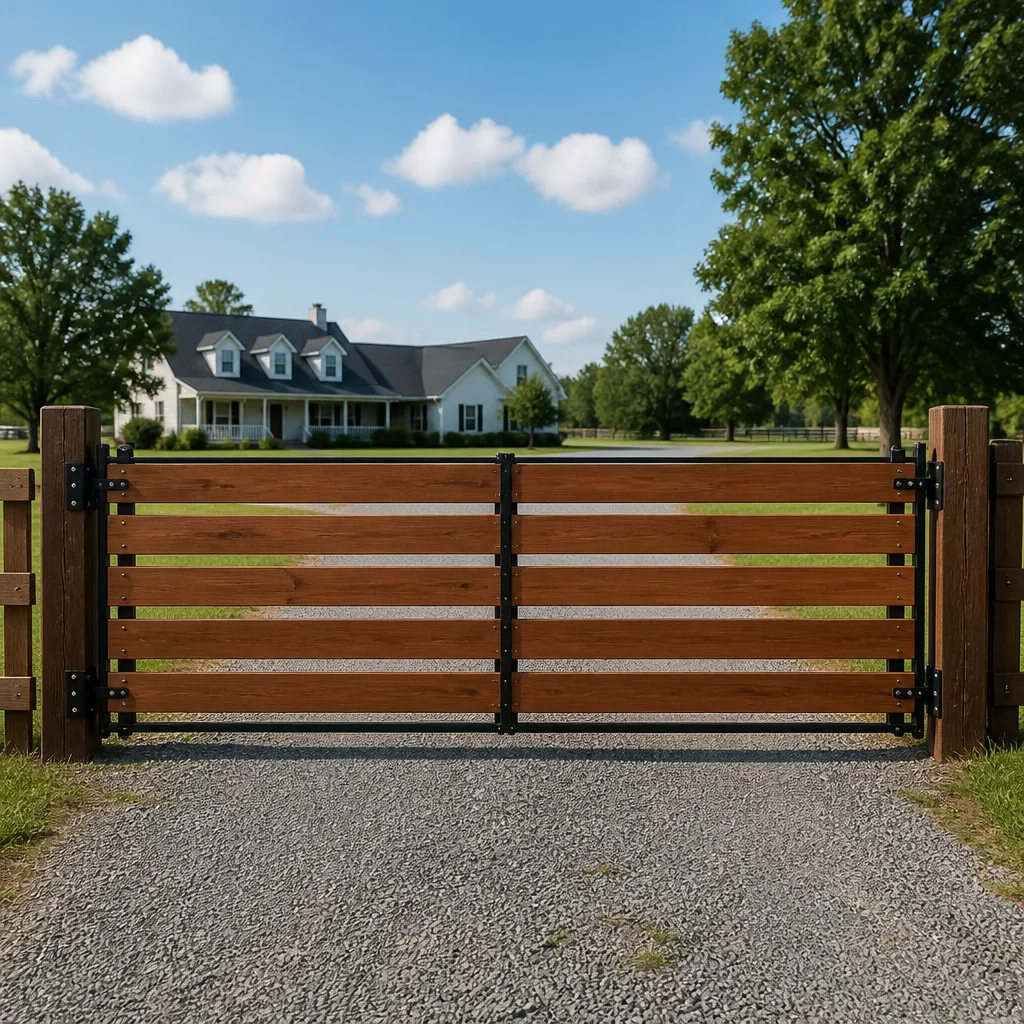 Farm & ranch
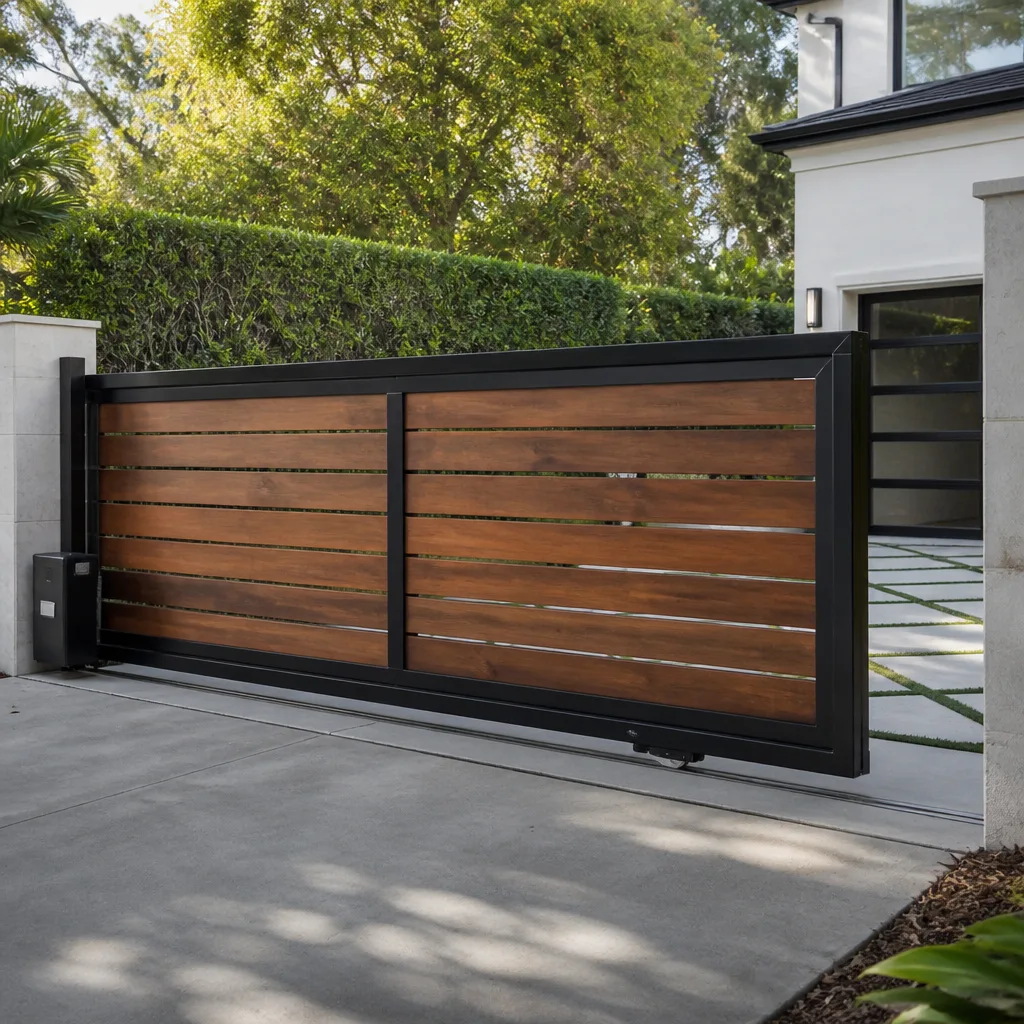 Sliding driveway gates
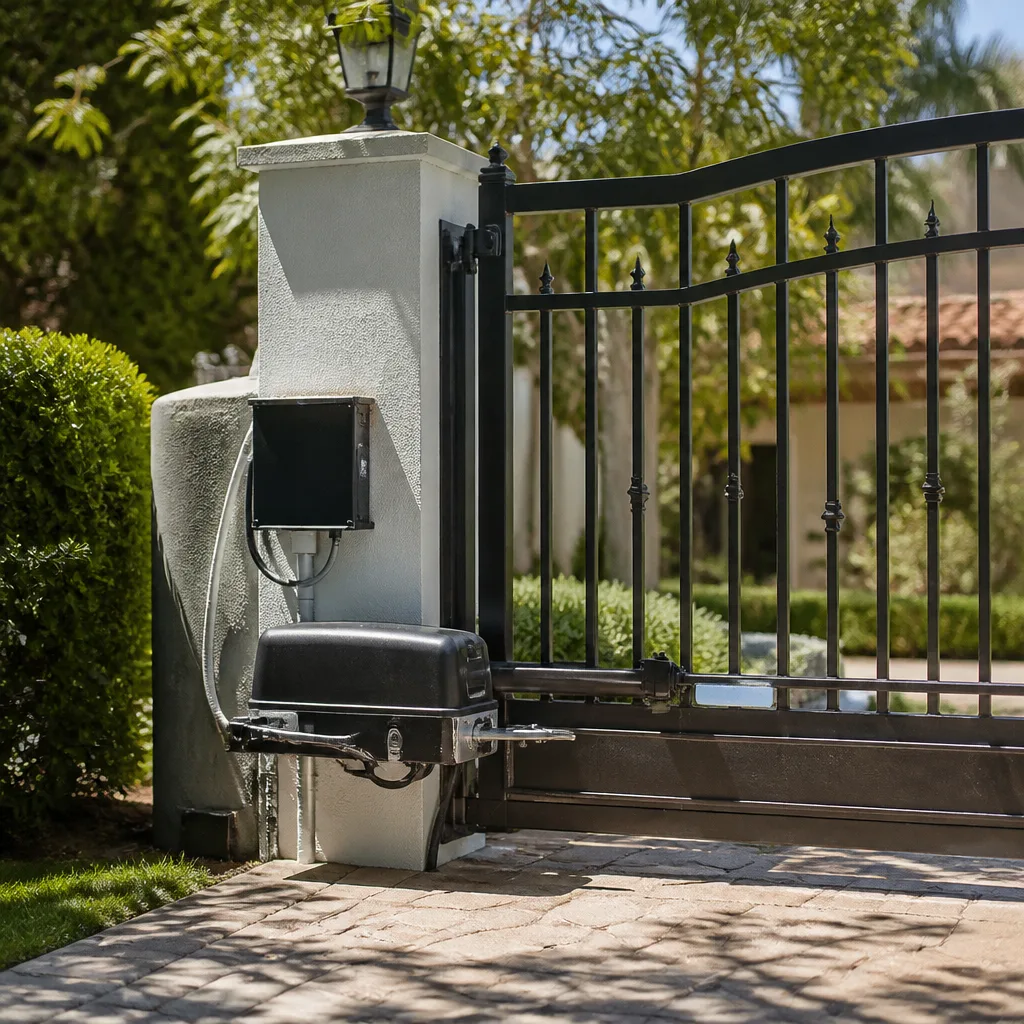 LiftMaster operators
Free on-site gate assessment - hinges, posts, and your LiftMaster or Nice gate operator checked before anything is quoted
The assessment is free and the quote is the invoice.
Get your free estimateGate Repair Emergency Preparedness Guide for Upland Homes
During the 2020 Silverado Fire, multiple Inland Empire residents reported being delayed by their own automated gates after power cut out. Every residential automated gate has a manual release, but most homeowners have never used it and don’t know where it is. This guide walks Upland homeowners through the specific steps to take before an emergency, from locating your manual release to testing your battery backup, and what to do when a gate fails at the exact moment you need it open. Browse more guides & resources for year-round gate care. You’ll learn how to build a gate emergency plan that works when nothing else does.
Styles & brands we work with
- Wrought iron
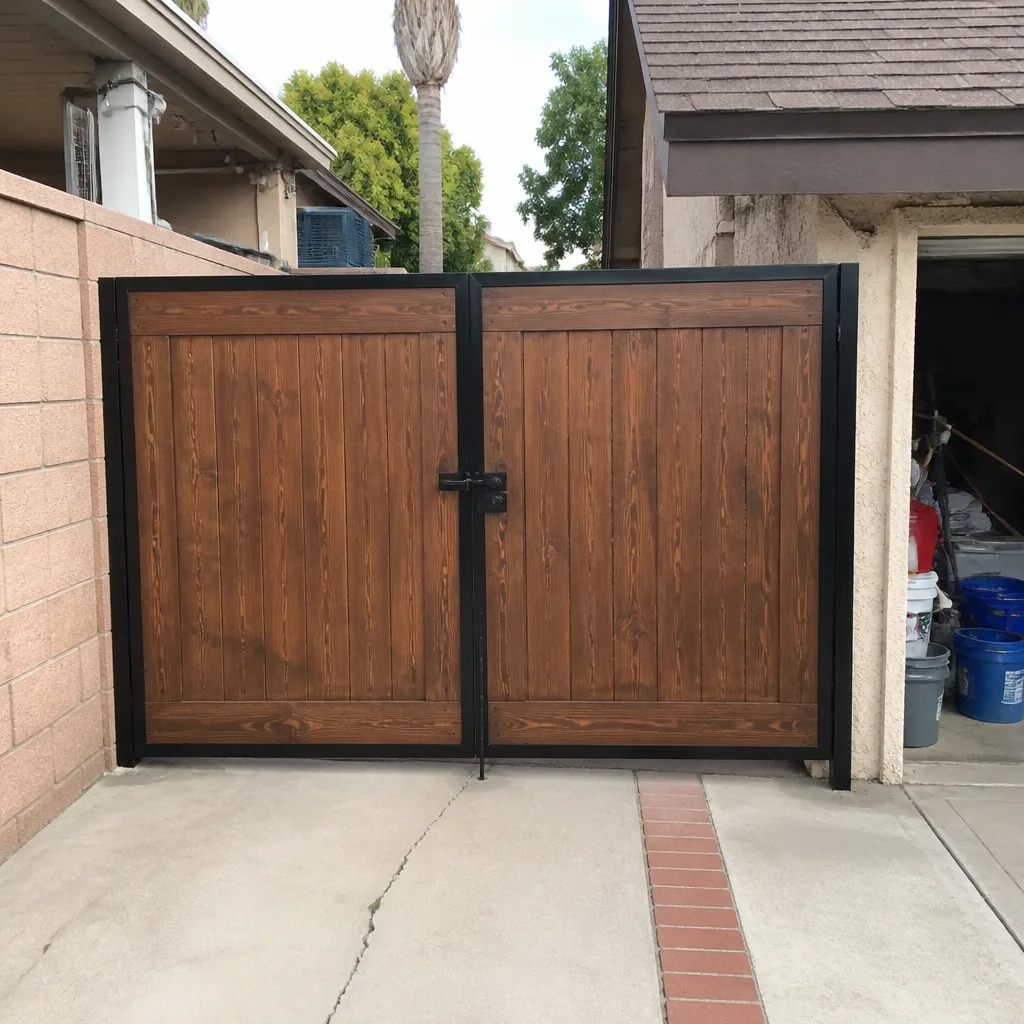
- Wood & steel frame
- Farm & ranch
- Sliding driveway gates
- LiftMaster operators
Quick Answer
Every automated gate has a manual release mechanism, usually a pull handle, key, or crank located on the operator arm or motor housing. Find it now, test it twice a year, and keep a gate emergency card with your operator brand and model, tech contact number, and release location. For Upland’s Red Flag season, set your gate to fail-open if your operator supports it, and verify your battery backup actually holds a charge before the next power outage.
Table of Contents
- How to Locate and Operate Your Gate’s Manual Release
- Battery Backup Systems: What Actually Powers a Gate Through a 48-Hour Outage
- Building a Gate Emergency Card for Your Household
- How to Secure a Gate That’s Stuck Open Without Damaging the Operator
- Wildfire-Specific Gate Prep for Upland’s Red Flag Season
- What Happens to Your Gate During a Power Outage
- A Seasonal Gate Emergency Checklist for Upland Homes
- Common Mistakes to Avoid
- When to Call a Professional
- Frequently Asked Questions
- The Bottom Line
How to Locate and Operate Your Gate’s Manual Release
The manual release is the one component on your gate that can save you from being trapped or locked out during an emergency. It disengages the operator from the gate leaf, allowing you to push or pull the gate by hand. Every residential operator has one. The challenge is that they don’t all work the same way, and location varies by brand and operator type.
In Upland, the five most common residential setups we see are linear actuator arms, ram arms, sliding gate operators, and swing gate operators from FAAC, BFT, Linear, and Viking. Each has a different release mechanism, and knowing your specific type matters when you’re standing in the dark trying to get out.
Linear Actuator Arm Systems
Linear actuator systems are common on swing gates and use a motor that extends and retracts a piston. The manual release is typically a small pull handle or a key-operated cylinder located on the actuator body itself, near where the arm connects to the gate post. On FAAC swing gate operators, look for a small plastic release knob near the bottom of the actuator housing. Pull it outward and the piston disengages, letting the gate swing freely. For BFT linear actuators, the release is often a key cylinder that requires a quarter-turn with the included key. If you don’t have the original key, a standard cabinet key sometimes works, but don’t force it. Forced releases break the internal locking pin, which turns a five-minute manual override into a full operator replacement.
Ram Arm Systems
Ram arm gates use a hydraulic or electromechanical cylinder similar to what you’d find on a car hatchback. Linear and Viking both make ram arm operators common in Upland’s hillside properties, where gates are longer and heavier. The manual release on a ram arm is usually a pull-to-release lever at the base of the cylinder or a rotating collar near the gate hinge. The difference matters because ram systems hold pressure even when power is out. Releasing a ram arm under pressure can cause the gate to swing suddenly. Stand to the side of the gate, not behind it, when you pull the release. In our experience, ram arm releases are the ones homeowners are least likely to find on the first try, which is why testing it in daylight before an emergency is non-negotiable.
A quick note on safety: gate operators move heavy metal with significant force. We’re going to keep repeating this throughout the guide because it matters. If your gate has a high-tension spring or counterweight system, do not attempt to remove or adjust it yourself. The manual release is designed for homeowner use. Springs and cables are not. For anything beyond the release mechanism, call a gate professional.
Battery Backup Systems: What Actually Powers a Gate Through a 48-Hour Outage
Most homeowners assume their gate has a battery backup. Many don’t. And of those that do, a meaningful portion have batteries that haven’t held a charge in years. If you’ve never tested yours, you don’t actually know whether your gate will work when Southern California Edison cuts power during a Santa Ana wind event.
Here’s what a battery backup actually does. When AC power drops, the operator automatically switches to DC power from a sealed lead-acid or lithium battery pack. The gate continues to cycle normally, though sometimes at slightly reduced speed. What the battery does not do is power the gate indefinitely. Most residential backup batteries are sized for 10 to 30 cycles over a 12 to 24 hour period, not 48 hours of continuous operation. If you’re cycling the gate twice a day, most batteries will get you through a couple of days. If you’re in and out six times a day, you’ll drain it faster.
What’s Standard vs. What Actually Works
- Standard on professional-grade operators: FAAC and BFT operators purchased for residential use in Upland typically include either a built-in battery compartment or an external battery box with the control board. If your operator was installed by a licensed gate company, there’s a good chance a backup is already there.
- Aftermarket add-on: Some Upland homeowners add a universal battery backup kit to an existing operator. These work, but they need to be matched to the operator’s voltage and current draw. Wrong matching shortens battery life or trips the board.
- Not standard on entry-level DIY kits: Many big-box gate operator kits designed for homeowner self-install do not include battery backup out of the box. If you installed your own operator from a hardware store, check the manual before assuming you’re covered.
How to Test Your Battery Backup in 5 Minutes
- Locate your operator’s power switch or breaker. It’s usually a switch on the control box or a dedicated breaker in your main panel labeled “gate” or “gate operator.”
- Turn off AC power to the operator.
- Activate the gate using your remote or keypad. It should cycle normally, though possibly slightly slower.
- Cycle the gate twice. If it struggles on the second cycle, your battery is degraded.
- Turn AC power back on. If the operator beeps or shows a fault, that’s normal. Reset it by cycling the gate once under AC power.
If your battery fails this test, it’s not an emergency yet, but it will be during the next outage. For Upland homeowners, the time to check is during spring maintenance, before fire season and before the fall wind events that trigger the bulk of our power shutoffs. A replacement battery for most operators costs less than a service call and takes a technician about 30 minutes to install.
Building a Gate Emergency Card for Your Household
When an evacuation order hits, nobody has time to search a drawer for a manual. The gate emergency card is a single index card, laminated or tucked in a clear sleeve, that tells anyone in the household exactly what to do with the gate in an emergency. We recommend every Upland home with an automated gate make one.
What Goes on the Card
- Gate operator brand and model: This is the single most useful piece of information a technician can have. FAAC, BFT, Linear, Viking, whichever it is, write it down. Include the model number if you can find it. For professionals at Falcon Gate Repair home, knowing the brand up front means we arrive with the right diagnostic approach instead of figuring it out on-site.
- Manual release location and type: Write exactly where the release is and what kind it is. For example: “Pull handle under the operator cover, left side, yellow plastic knob.”
- Gate technician contact: The phone number of whoever services your gate. If you don’t have a regular gate company, that’s worth fixing before an emergency. More on that below.
- Breaker location: Where in your panel the gate breaker lives. In an emergency, cutting power to the gate is sometimes the fastest way to reset a stuck operator.
- Fail-safe setting: Whether your gate is set to fail-open or fail-closed, which we cover in detail below.
Where to Store the Card
The card belongs in two places. First, taped inside the operator cover or mounted inside the control box, protected from weather by a small ziplock bag. Second, in your household emergency binder or on the refrigerator. If your gate has multiple users, a photo of the card on your phone is better than nothing, but the physical card near the operator matters most when the power is out and your phone is dead.
How to Secure a Gate That’s Stuck Open Without Damaging the Operator
A gate stuck open is a different problem than a gate stuck closed. A stuck-closed gate traps you. A stuck-open gate invites anyone in, and for Upland homeowners who use their gate as their primary perimeter security, an open gate overnight is a real vulnerability. The instinct is often to force the gate closed. Don’t.
If the gate is stuck open because of a mechanical failure, forcing it will damage the operator, bend the gate, or strip the gear train. Here’s the safer path.
Step-by-Step: Temporary Security for a Stuck-Open Gate
- Engage the manual release. This disconnects the operator from the gate so you can move the leaf without fighting the motor. If the operator is already damaged, this prevents further damage while you work.
- Close the gate manually. Swing or slide it closed by hand. If it won’t move, stop. Something has physically failed, and forcing it past the failure point is how homeowners turn a $300 repair into a $1,800 operator and gate replacement.
- Secure the gate leaf. Once closed, secure it with a temporary chain and padlock, a heavy-duty ratchet strap, or a gate cane inserted into the ground receiver. This keeps the gate from swinging open on its own or getting pushed open by wind. Upland’s fall wind gusts have been known to move an unsecured gate leaf.
- Disable the operator. Flip the breaker or switch off the operator. A gate that’s manually closed but still powered can try to cycle when someone presses the remote, which will either reopen it or damage the operator further.
- Leave the manual release engaged. This signals to any technician arriving later that the gate is in manual mode, and prevents accidental automatic cycling.
For temporary security during business hours, this gets the gate closed and locked. For overnight security when a technician can’t arrive until morning, add a secondary lock. The goal is to prevent entry, not to make the gate functional.
Wildfire-Specific Gate Prep for Upland’s Red Flag Season
Upland sits at the base of the San Gabriel Mountains, and Red Flag season is a recurring reality. High winds, low humidity, and dry vegetation create fire conditions that have triggered evacuations in Upland neighborhoods before, and will again. For gated properties, there’s one setting that matters more than any other: fail-safe position.
Fail-Open vs. Fail-Closed: What Each Setting Means
Your gate operator has a configuration setting that determines what happens when power fails or the battery backup drains. Fail-open means the gate unlocks, releases, or swings open when power is lost. Fail-closed means the gate locks in place regardless of power state. These settings are confused constantly, and the wrong setting can put you in a dangerous position.
For wildfire evacuation, you want fail-open. Here’s why. During an evacuation, first responders may need to access your property without waiting for you to open the gate. If power lines are down and your gate is fail-closed, it becomes an obstruction. If it’s fail-open, the gate swings free and anyone can access your property, which is the point during an evacuation.
For everyday security, many Upland homeowners prefer fail-closed, reasoning that a locked gate is a secure gate. That’s reasonable for non-emergency conditions. But during Red Flag season, when evacuation orders are a real possibility, a fail-open setting is the safer choice. The security tradeoff is temporary, and the access benefit is literal life safety.
How to Check Your Fail-Safe Setting
The setting lives in your operator’s control board configuration, usually accessed via a DIP switch, a menu on the board display, or a programming button sequence. Every brand names it slightly differently. On FAAC boards, look for a “gate on power fail” or “fail safe” setting in the programming menu. On BFT operators, it’s typically in the configuration options as “failure mode” or “power failure operation.” On Linear boards, check the DIP switch diagram on the inside of the control box cover. On Viking units, the manual specifies the exact jumper or programming option. If you’re not comfortable making this change yourself, it’s a ten-minute job for any gate technician, and Electric Gate Repair in Upland covers fail-safe adjustments as part of standard service.
What Happens to Your Gate During a Power Outage
Power outages are the most common emergency scenario for Upland gates, and they’re not rare. Southern California Edison’s public safety power shutoffs have affected Inland Empire communities multiple times during recent fire seasons. When power drops, here’s the sequence of events on a properly maintained gate.
First, the operator detects the AC power loss and switches to battery backup if one is installed and functioning. The gate continues to operate normally, though some operators slow cycle speed to conserve battery. Second, if no battery backup exists, the gate simply stops working. It stays in whatever position it was in when power dropped. Third, after the battery drains, the gate either fails open, fails closed, or stays mechanically locked depending on its fail-safe setting and operator type.
The practical takeaway for Upland homeowners: if you lose power more than twice a year, a battery backup is not optional. It’s the difference between a gate that works through an outage and a gate that doesn’t. And if you have a backup but haven’t tested it, assume it doesn’t work. Batteries degrade silently.
For homes where the gate is the only vehicle access point, a dead gate during a power outage means you either climb over, walk around, or stay home. That’s not security. That’s inconvenience stacking on top of an already stressful situation. Gate Repair in Upland regularly replaces batteries in operators where the homeowner believed they were covered, but the backup hadn’t held a charge in years.
A Seasonal Gate Emergency Checklist for Upland Homes
Emergency preparedness is not a one-time event. Gates are mechanical systems, and mechanical systems need periodic review. Here’s a seasonal checklist tailored to Upland’s climate and risk profile, or see our Gate Repair Maintenance Checklist for Upland Homeowners.
Pre-Fire-Season Checklist (May to June)
- Test the manual release. Locate it, pull it, and move the gate by hand. This guarantees you can do it in the dark during an evacuation.
- Test the battery backup. Use the five-minute test described above. Replace if it fails.
- Confirm your fail-safe setting. Decide whether fail-open or fail-closed is right for your household during fire season. Most Upland homeowners switch to fail-open from June through November.
- Update your gate emergency card. Verify the information is current.
- Inspect the gate hardware. Look for rust on hinges, loose bolts, sagging gate leaves, and cracked welds. In Upland’s dry climate, rust is less of a concern than in coastal areas, but UV damage to plastic components and powder coating is real.
During Red Flag Warnings
- Charge and test the backup battery. If your operator has a test function, run it. If not, cycle the gate on battery power once.
- Clear the gate pathway. Remove anything that could block the gate from swinging or sliding freely. During high winds, debris gets blown into gate tracks and hinge paths.
- Review evacuation routes with household members. Everyone should know how to manually release the gate and which direction to go.
Post-Outage or Post-Event
- Cycle the gate under AC power. Confirm it’s back to normal operation.
- Check for storm or wind damage. High winds in Upland’s foothill neighborhoods can shift gate alignment, which puts strain on the operator and shortens its life.
- Recharge the battery fully. A battery drained during an outage needs a full recharge cycle under AC power to return to capacity.
Common Mistakes to Avoid
- Never testing the manual release until an emergency. The first time you try to find the release should not be during an evacuation. In our experience, homeowners who haven’t tested it often find it rusted, painted over, or missing entirely. That’s a preventable failure.
- Assuming battery backup works without testing. Batteries die silently. A backup battery that’s five years old is almost certainly dead or severely degraded, and you wouldn’t know until the power drops.
- Forcing a gate that’s mechanically stuck. When a gate won’t move, forcing it bends the leaf, strips the operator gears, and sometimes snaps the mounting brackets. The repair bill triples fast.
- Setting fail-closed during wildfire season. A fail-closed gate during an evacuation is a risk to you and a barrier to firefighters. If your operator supports fail-open, use it during Red Flag season.
- Using the manual release without disconnecting power. If the operator is still powered and someone hits the remote while you’re moving the gate by hand, the motor will try to cycle. Watch your fingers. Power off first.
- Skipping the gate emergency card. If you’re the only person who knows how the gate works, that’s a single point of failure. Put it on a card. Your household needs the information, not just you.
- Painting over or sealing the operator cover. Upland homeowners occasionally paint their gates and operators to match. Fine for the gate. Bad for the operator. Paint seals the manual release and covers the brand and model plate, making service harder.
When to Call a Professional
Some gate problems are homeowner-solvable. Most aren’t. Call a professional when the gate makes grinding or popping sounds, when it reverses direction on its own, when the operator hums but doesn’t move, when the gate leaf sags or scrapes, when your safety sensors or loops stop working, or when any spring, cable, or high-tension component looks damaged. Electrical work on gate operators, especially anything involving the control board, motor, or power wiring, should be handled by a technician who understands the specific brand. Gate Repair from Falcon Gate Repair offers free estimates in Upland, call (833) 918-6938 and we’ll tell you what’s wrong and what it costs before any work starts.
Frequently Asked Questions
Emergency gate repair in Upland typically ranges from $150 to $450 for common issues like battery replacement, manual release repair, or sensor realignment, with more involved failures like control board replacement running higher. The specific cost depends on your operator brand and what’s failed. Prices are quoted and agreed before any work begins. Call (833) 918-6938 for an exact quote, estimates are free.
For emergency repairs like a gate stuck open or a stuck-closed gate trapping vehicles, same-day service is available from most Upland gate companies, including Falcon Gate Repair. Non-emergency service is typically scheduled within a few days. For evacuation-related gate emergencies, call (833) 918-6938 as soon as you know you need help.
Fail-open means your gate releases or unlocks when power is lost, allowing free movement. Fail-closed means the gate locks in position when power drops. During Upland’s wildfire season, fail-open is the safer setting because it keeps the gate from becoming an obstruction during an evacuation.
Gate operator backup batteries typically last three to five years in Upland’s climate before capacity degrades significantly. Heat accelerates degradation, and operators mounted in direct sun with poor ventilation see shorter battery life. Test yours annually and expect to replace it every three to four years.
Yes, every residential automated gate operator includes a manual release mechanism, either a pull handle, a key cylinder, or a crank. The location varies by brand and operator type. If you can’t find yours, check the operator manual or call a gate professional rather than prying at the housing.
Falcon Gate Repair works on nine major gate operator brands, including FAAC, BFT, Linear, and Viking, covering most residential systems found in Upland. If your operator is from one of these brands, we diagnose it by that brand’s logic. Gate Installation in Upland covers replacement when repair isn’t the right path. Call (833) 918-6938 to confirm your specific model.
The Bottom Line
Gate emergency preparedness in Upland is about knowing your equipment before you need it. Find your manual release and test it. Test your battery backup and replace it if it fails. Decide on your fail-safe setting before Red Flag season starts. Build the emergency card and put it where everyone can find it. These steps take under an hour total, and they transform a gate from a potential obstruction into a functioning access point when everything else is going wrong. For Upland homeowners, the most important gate work isn’t the repair that happens after a failure. It’s the preparation that happens before one. For Gate Repair Permits, Codes & Inspections in CA: What You Need to Know, check our compliance guide.
Written by the team at Falcon Gate Repair, serving Upland since 2018.
See the difference
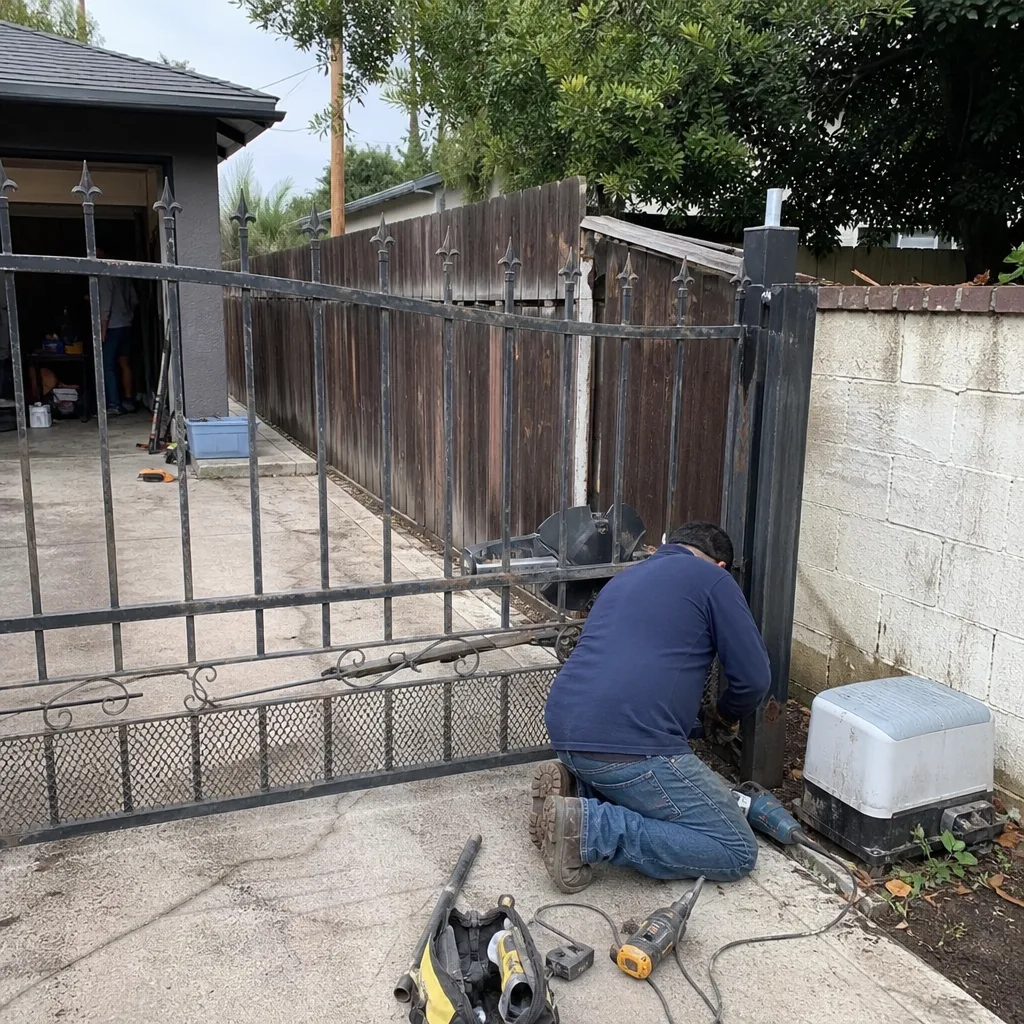 Before
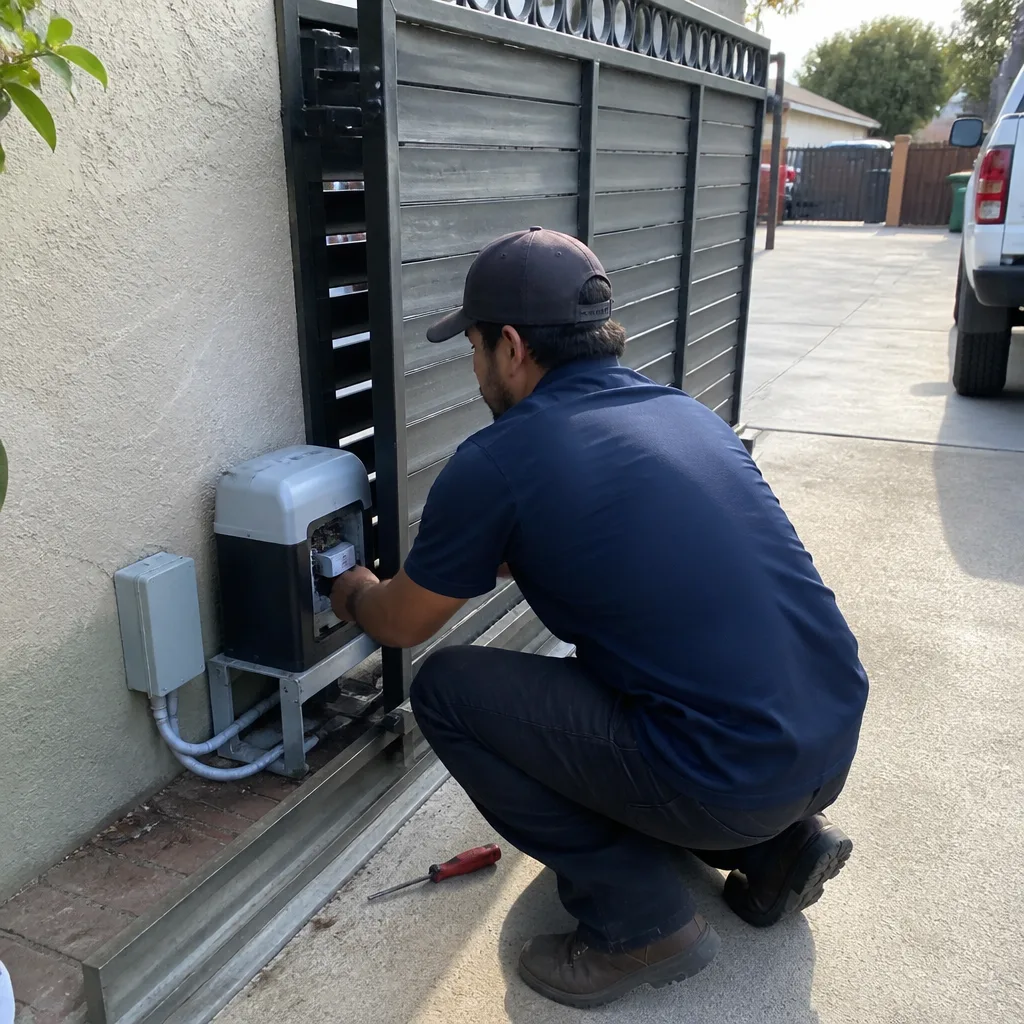 After
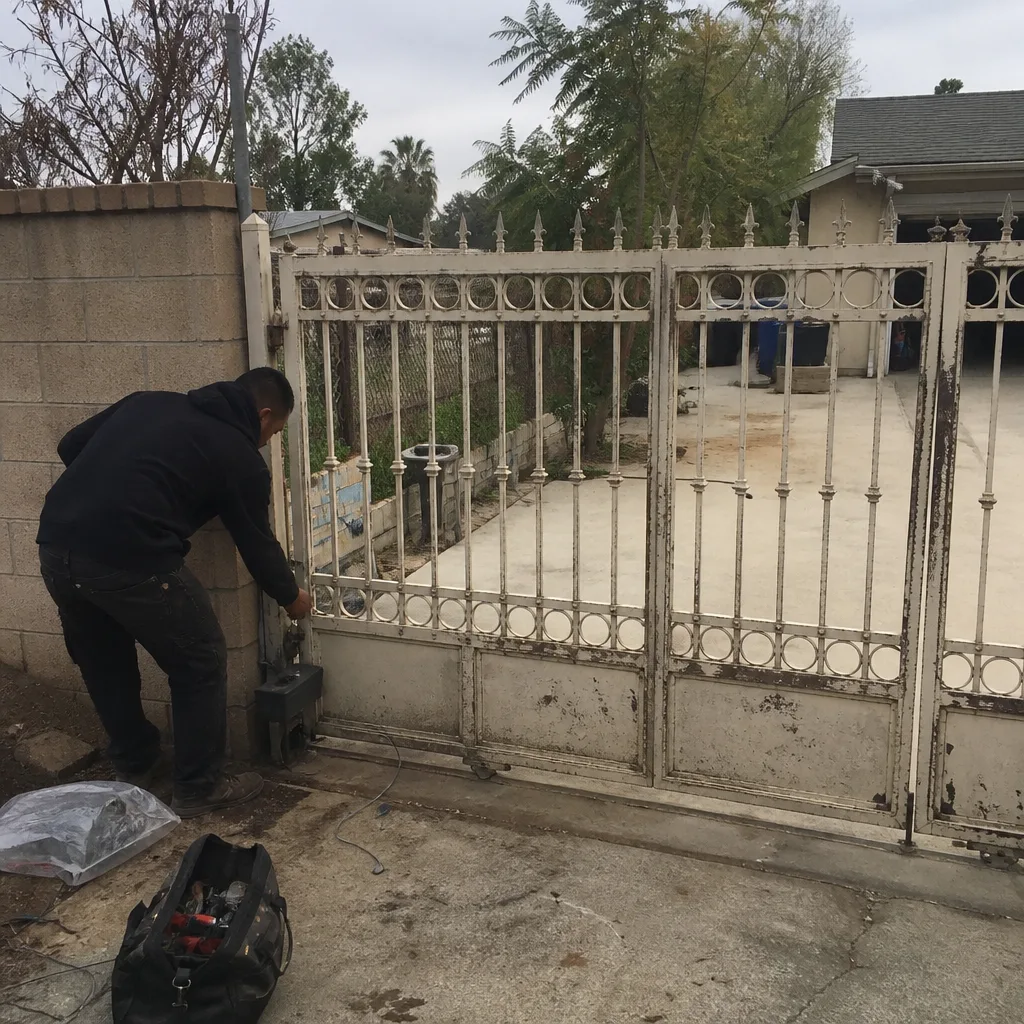 Before
 After
 Before
 After